Code Lab
Snap blocks together to guide Pip across a grid. Loops, conditions, events, debugging, variables, functions and lists, one idea at a time.
192 quests + 48 Expert
Ages 5 to 12 · iPad, iPhone and Android
Snap blocks together to guide Pip the robot, crack puzzles that ask "why?", and warm up with a three-minute brain workout. In English and Vietnamese.
Plays on a plane, in the car, anywhere.
Nothing to tap that leads out of the game.
A nickname and a robot colour. That is all.
No analytics, nothing leaves the device.
Four ways to play
Loop & Leap picks what to do next: a quest, a puzzle or a warm-up. Every mode grows a different part of thinking.
Snap blocks together to guide Pip across a grid. Loops, conditions, events, debugging, variables, functions and lists, one idea at a time.
192 quests + 48 Expert
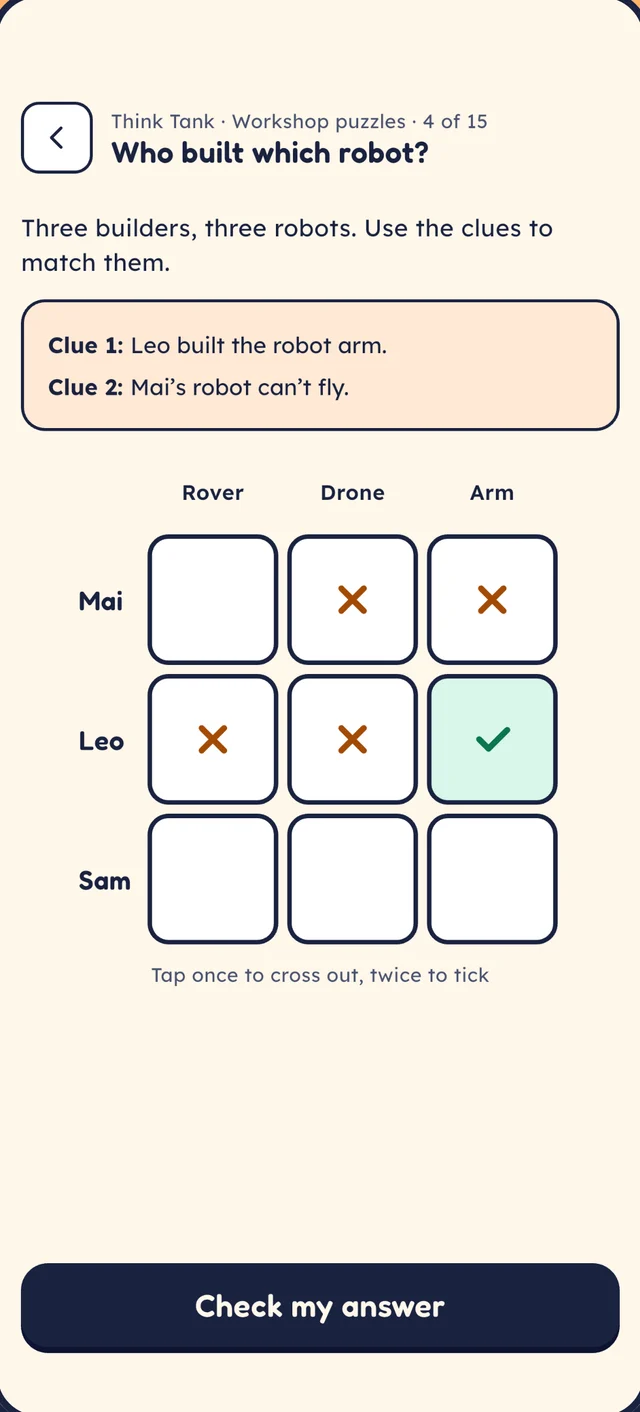
Logic grids, spot the mistake, cause and effect, strategy boards. After every answer: one more question that asks why.
120 reasoning puzzles
A three-minute warm-up of memory, attention and spatial games that adapt to your child, so it is never too easy or too hard.
6 games, 30 levels each
A free-build stage with characters, backdrops, events and sounds. Spend earned gears on robot parts and build a project for every world.
A new build idea every week
Try it here
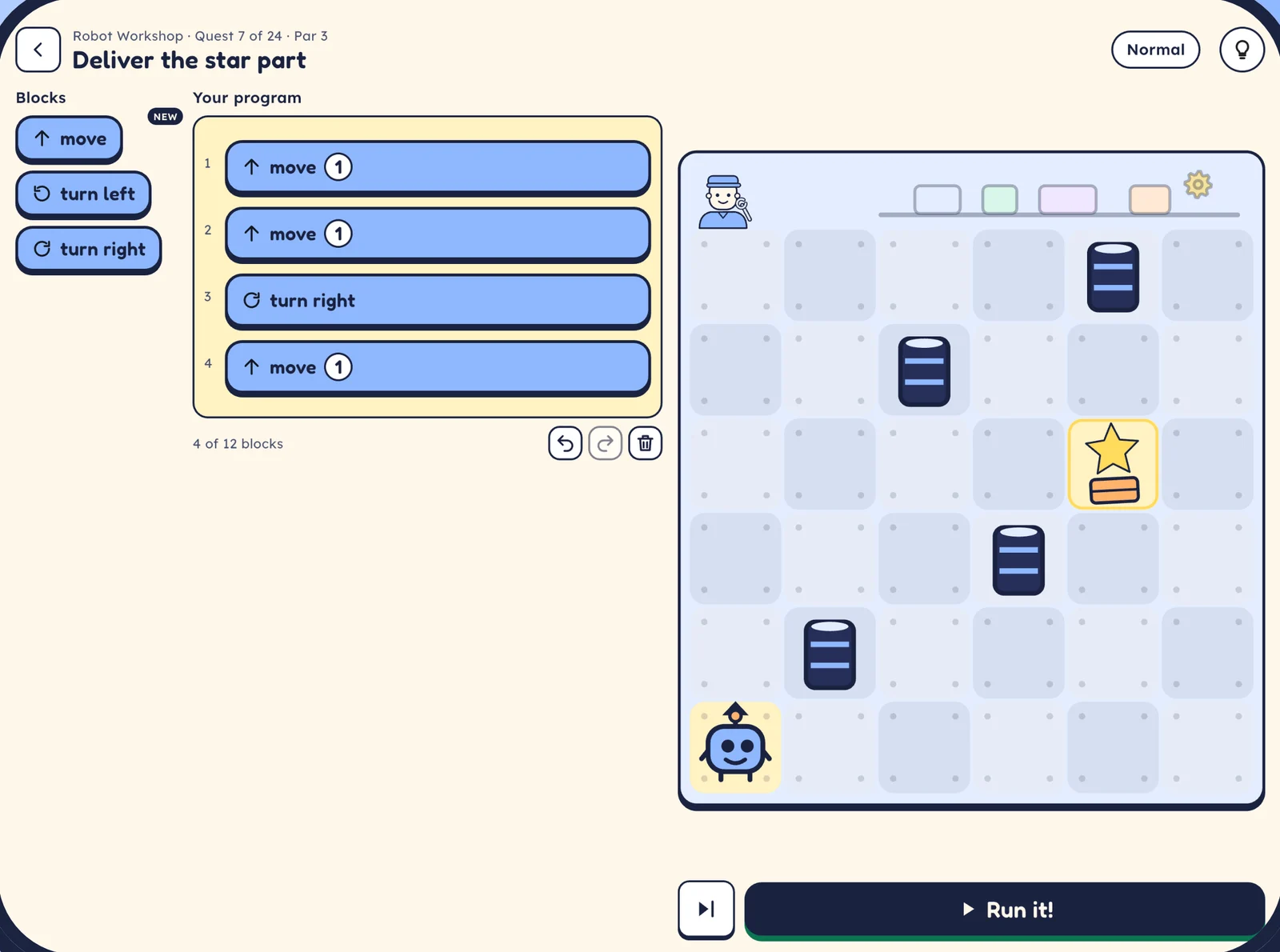
This is how every Code Lab quest starts. Tap the blocks to build a program, then press Run.
Blocks
Your program
Tip: Pip starts facing up.
Eight worlds, eight real jobs
Each world has 24 quests, 6 Expert quests and a final project, so children see how grown-ups use these ideas every day.
Grows with your child
Explorers and Makers can take a short placement check to start further along. Earlier worlds always stay open.
Picture blocks and spoken instructions. No reading needed.
Word blocks and logic puzzles.
Word blocks, Expert quests and a Python-style view of their programs.
A look inside
For parents and carers
Behind a grown-ups check (a sum written out in words) you will find everything you need, and nothing that nags.
Minutes played, what they solved, the skills they are growing and an idea to try at home.
A daily play limit, quiet hours and a gentle break reminder.
No countdowns and nothing to lose for stopping. Mistakes are never wiped, just explained.
Each with their own profile, track and progress on the same device.
Questions
Loop & Leap is free to download, with no ads and no in-app purchases in this version.
Not in the Sprouts track (ages 5 to 7): blocks are pictures and every instruction is spoken aloud. Explorers and Makers use word blocks.
No. Everything works fully offline, and the app never sends your child’s data anywhere.
iPad and iPhone (iOS 15 or later) and Android phones and tablets (Android 7 or later). It is designed tablet first.
English and Vietnamese. The app follows the device language, and you can switch it in Settings & limits.
Yes. Children learn the same ideas programmers use: sequences, loops, conditions, events, debugging, variables, functions and lists. Makers also see their programs in a Python-style view.
Coming soon to the App Store and Google Play. Free, offline and ad free.